Back to all demos LT eService demo One-page version Get this theme on ltheme.com

All parts of Rotaline are working (sample)

Time clock

Clock in at the door; the times are on the timesheet before the shift ends.

Part of the service

90 days ago30 days agoToday

Uptime

Clock in on the shop tablet or a phone at the door.

99.95%

1 incident, 2 slow days

Full bar: working all day Short ochre bar: slow for part of the day Red stub: incident Hollow bar: planned maintenance

One bar per day, oldest on the left; phones show the last 30 days. Uptime leaves out planned maintenance, announced a week ahead (sample figures).
Time clock

Clock in on a tablet by the staff door, or on a phone within 150 metres of the site. Times go straight onto the timesheet.

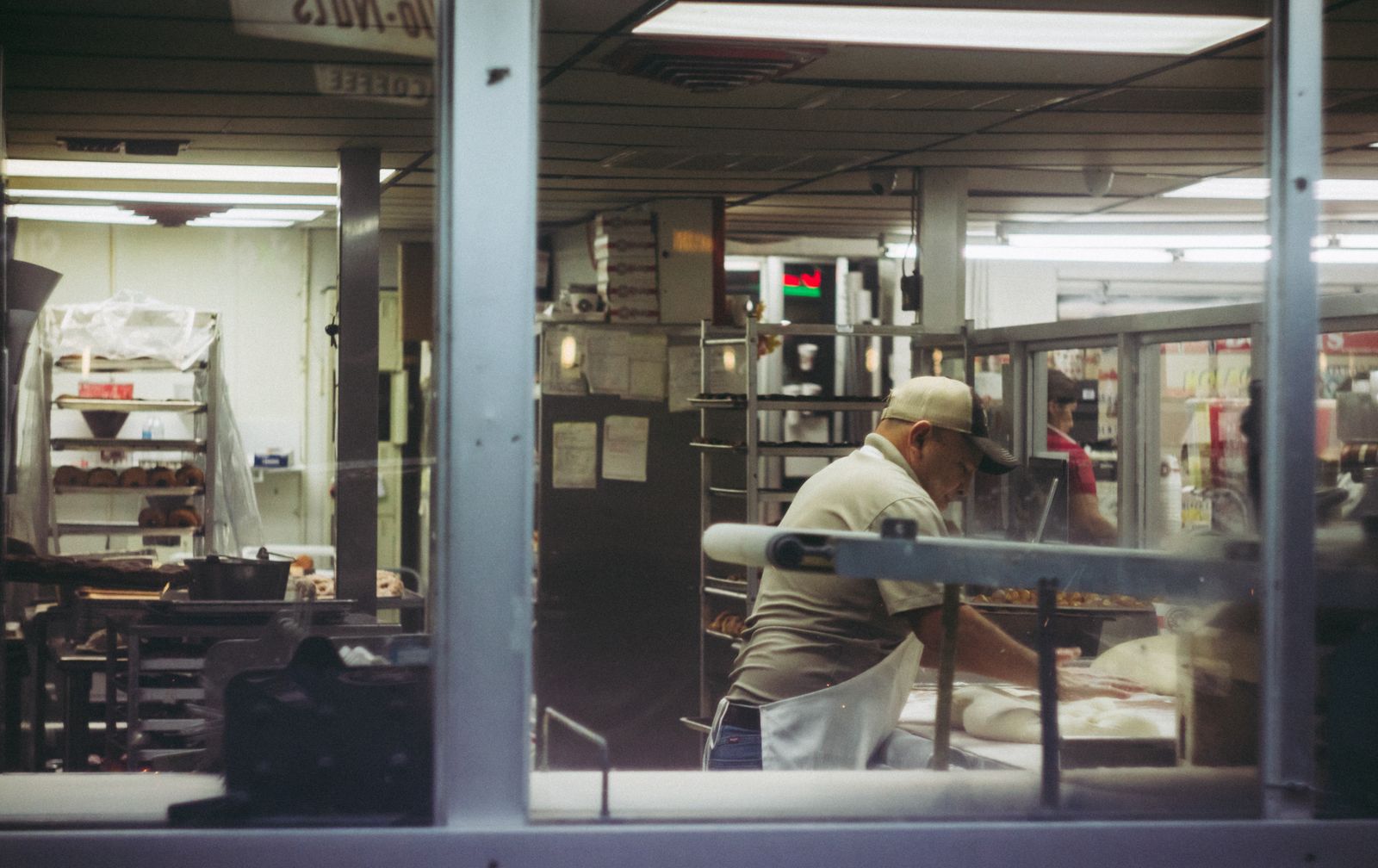
A baker working dough in a bakery kitchen, seen through the window before dawn

Three ways to clock in

Pick one per site, or allow all three.

Shop tablet

A tablet by the staff door in kiosk mode; each person types a four-digit code

Phone at the site

The staff app checks the phone is within 150 metres of the site (you set the distance)

Manager adds it

For days when the tablet is flat: the manager types the times in, with a note

Try it with next week's rota

30 days free, no card. Send us your staff list as a spreadsheet and we set up the first week with you on a 20-minute call (sample).

Demo photos from Pexels by Andrea Piacquadio, Rene Terp, Kampus Production, Vitaly Gariev, Anna Shvets, Jeswin Thomas, VAZHNIK, Anete Lusina, khezez | خزاز, cottonbro studio. The theme download contains placeholder pictures, not these photos.