Three points on the curve for a grey day
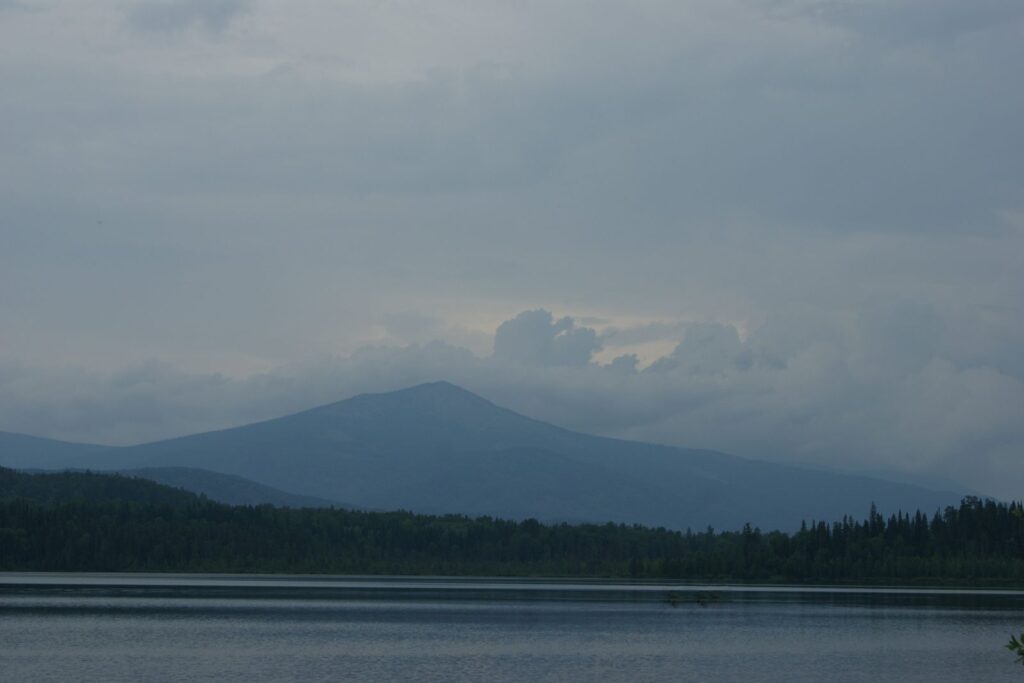
On an overcast day the whole photo sits in the middle of the histogram: nothing is really black and nothing is really white. That is why it looks grey (sample tutorial).
Open the tone curve and look at the strip under it. Drag the shadows point down a little, the highlights point up a little and leave the midtones where they are. The curve becomes a gentle S.
Watch the clipping warning while you do it. If red appears in the sky, move the highlights point back until it goes.