Skip to content
Masks
Change only the person, only the sky or only the background (Plus).
Edit one part of the photo
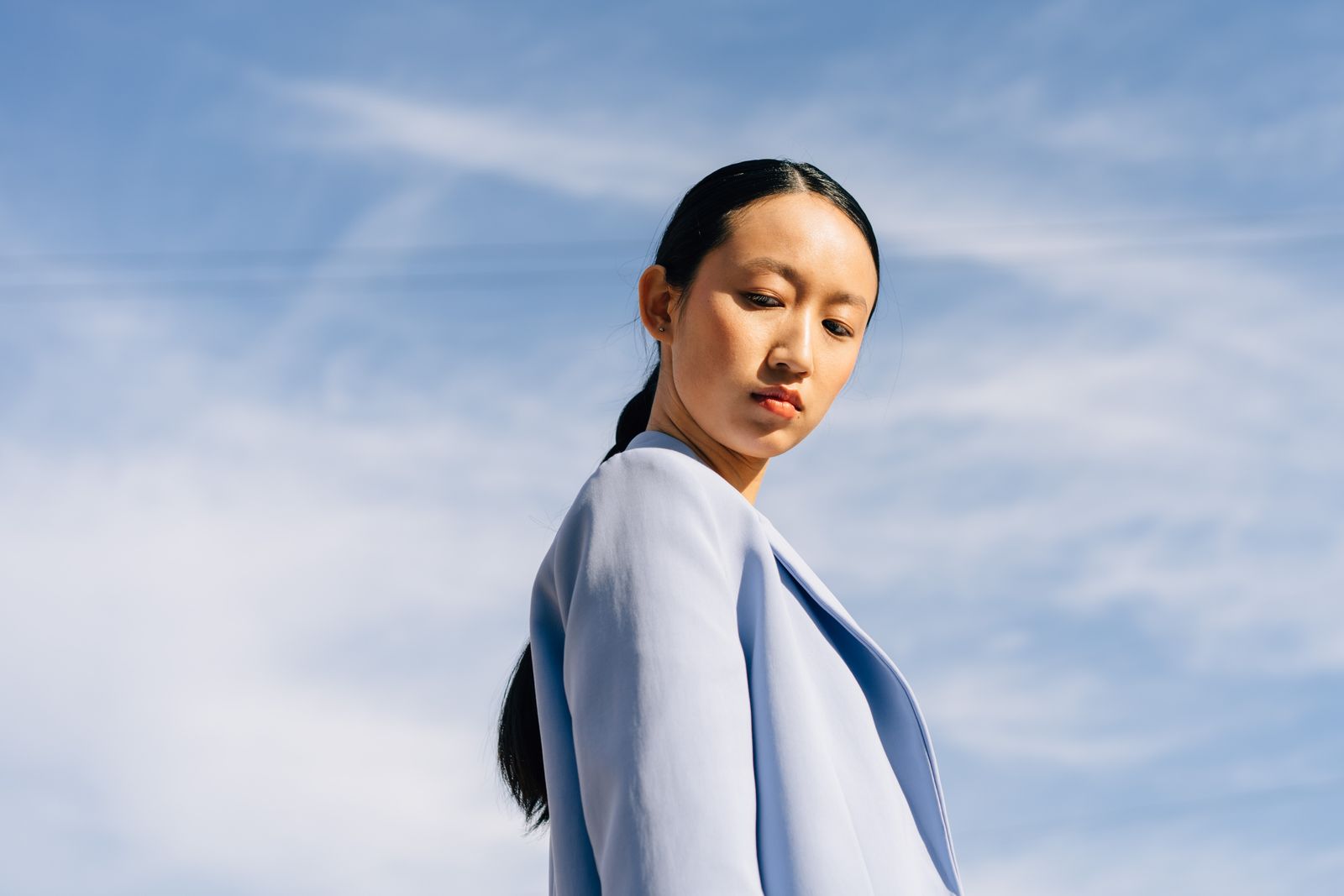
Masks find the person, the sky or the background for you. Every tool and look then works inside the mask only (Plus).
Subject
The person or animal in front: face, hair and clothes, with the edges kept fine.
Sky
Every part of the sky, including the gaps between leaves and buildings.
Background
Everything behind the subject, to darken it or soften it a little.
Brush
Paint it yourself with a soft or hard brush, then erase what you do not want.
Times on a recent phone (sample). Masks are worked out on the device, not on a server.
Getting a clean mask
Masks are good at people and skies. These habits help with the rest.
Make the sky mask first, then subtract the subject; the edges come out finer
Each person is found separately; tap the ones you want in the mask
Use the brush with erase, at half hardness, along the edge
The same mask on many photos
Studio copies a subject or sky mask to a whole set and finds it again in each photo
Edit tonight's photos on your phone
Fixer (sample) is free on iPhone, iPad and Android, with the tone curve, shadow lift and four looks included. Plus and Studio add the rest.
Demo photos from Pexels by Yura Forrat, cottonbro studio, finn foto, George Milton, dp singh Bhullar, Peter Platou, Toàn Văn, Vitaly Gariev, Irina К, NHP&Co, Mark Burnett. The theme download contains placeholder pictures, not these photos.